Let’s say you stupidly recorded a video vertically, and when you copy it into your PC the video is saved horizontally. So, you have a vertical video, which in itself is a blasphemy already, playing horizontally. Let’s rotate this video so that it continues its sinful vertical ways. Or you can get yourself a visit to the neck doctor. After me.
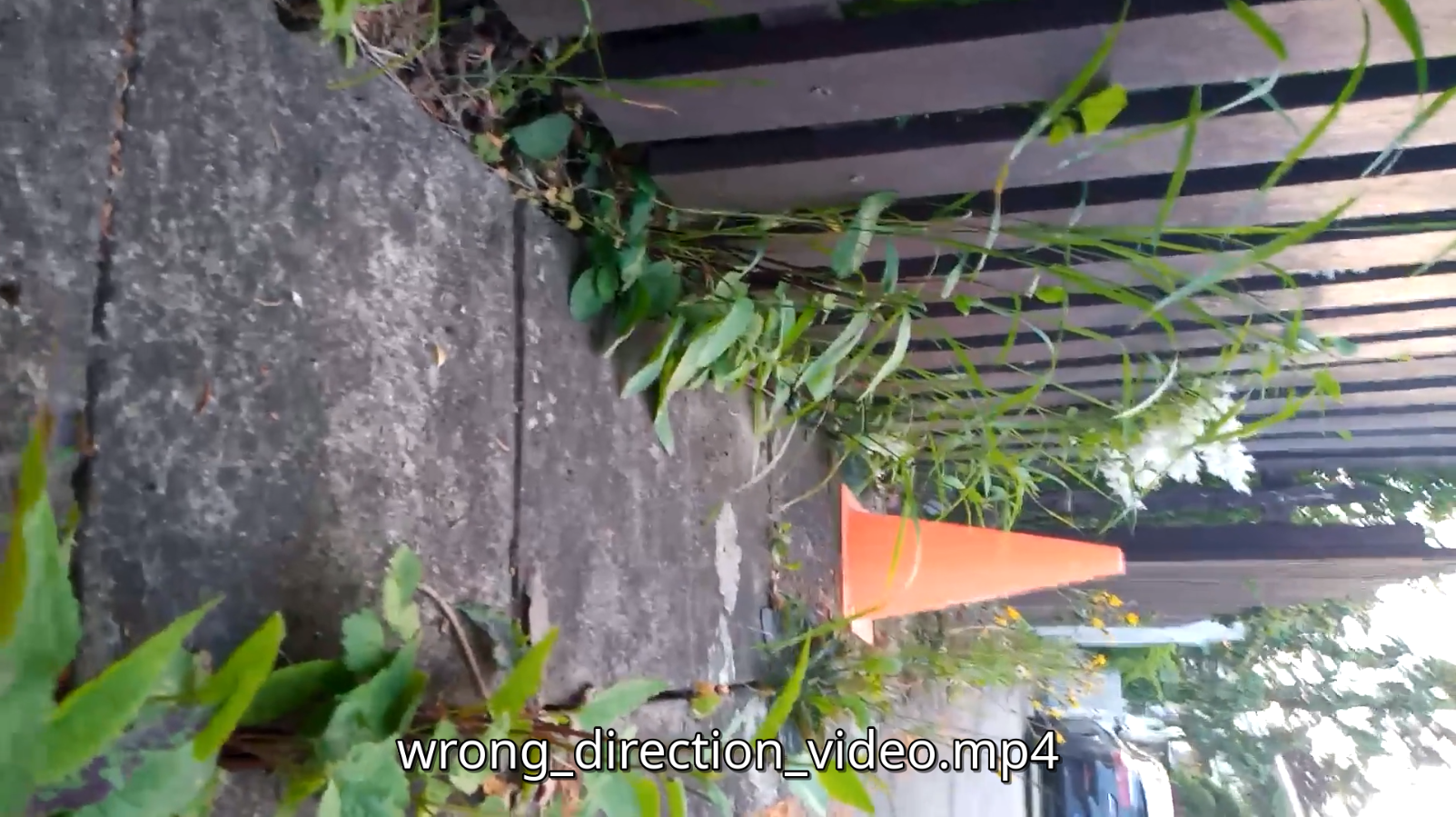
Let’s use the wonderful ffmpeg.
There is the so-called transpose parameter that you can pass:
0 = 90° CounterClockwise and Vertical Flip (default)
1 = 90° Clockwise
2 = 90° CounterClockwise
3 = 90° Clockwise and Vertical Flip
In our case, we want to rotate counter clockwise one time:
ffmpeg -i wrong_direction_video.mp4 -vf "transpose=2" output.mp4
The flag -i is the input filename. The flag -vf is a video filter and can be used to scale, grayscale, crop, flip and do other things to your video. In this case, we will just rotate the video with the “transpose=2”.
If all goes well, you will see logs such as this one:
frame=  156 fps=8.4 q=-1.0 Lsize=    6247kB time=00:00:05.24 bitrate=9751.1kbits/s speed=0.282x
video:6194kB audio:46kB subtitle:0kB other streams:0kB global headers:0kB muxing overhead: 0.110241%
[libx264 @ 0x55e393a999c0] frame I:4     Avg QP:23.44  size: 93745
[libx264 @ 0x55e393a999c0] frame P:47    Avg QP:25.88  size: 63735
[libx264 @ 0x55e393a999c0] frame B:105   Avg QP:28.75  size: 28298
[libx264 @ 0x55e393a999c0] consecutive B-frames:  5.1% 12.8%  7.7% 74.4%
[libx264 @ 0x55e393a999c0] mb I  I16..4:  7.1% 78.0% 14.9%
[libx264 @ 0x55e393a999c0] mb P  I16..4:  6.6% 34.2%  3.9%  P16..4: 29.2% 16.4%  5.3%  0.0%  0.0%    skip: 4.5%
[libx264 @ 0x55e393a999c0] mb B  I16..4:  1.8%  6.1%  1.1%  B16..8: 43.1% 13.5%  2.3%  direct: 3.5%  skip:28.4%  L0:50.5% L1:44.7% BI: 4.8%
[libx264 @ 0x55e393a999c0] 8x8 transform intra:74.3% inter:70.0%
[libx264 @ 0x55e393a999c0] coded y,uvDC,uvAC intra: 59.1% 60.9% 14.2% inter: 21.5% 21.1% 0.7%
[libx264 @ 0x55e393a999c0] i16 v,h,dc,p: 40% 21%  3% 36%
[libx264 @ 0x55e393a999c0] i8 v,h,dc,ddl,ddr,vr,hd,vl,hu: 32% 26% 11%  4%  5%  5%  6%  5%  6%
[libx264 @ 0x55e393a999c0] i4 v,h,dc,ddl,ddr,vr,hd,vl,hu: 38% 20% 12%  5%  5%  5%  5%  5%  4%
[libx264 @ 0x55e393a999c0] i8c dc,h,v,p: 49% 19% 24%  8%
[libx264 @ 0x55e393a999c0] Weighted P-Frames: Y:0.0% UV:0.0%
[libx264 @ 0x55e393a999c0] ref P L0: 66.6% 11.4% 17.2%  4.8%
[libx264 @ 0x55e393a999c0] ref B L0: 91.4%  6.6%  2.0%
[libx264 @ 0x55e393a999c0] ref B L1: 97.0%  3.0%
[libx264 @ 0x55e393a999c0] kb/s:9621.14
[aac @ 0x55e393afefc0] Qavg: 1173.531
And this is the result with the orientation corrected:
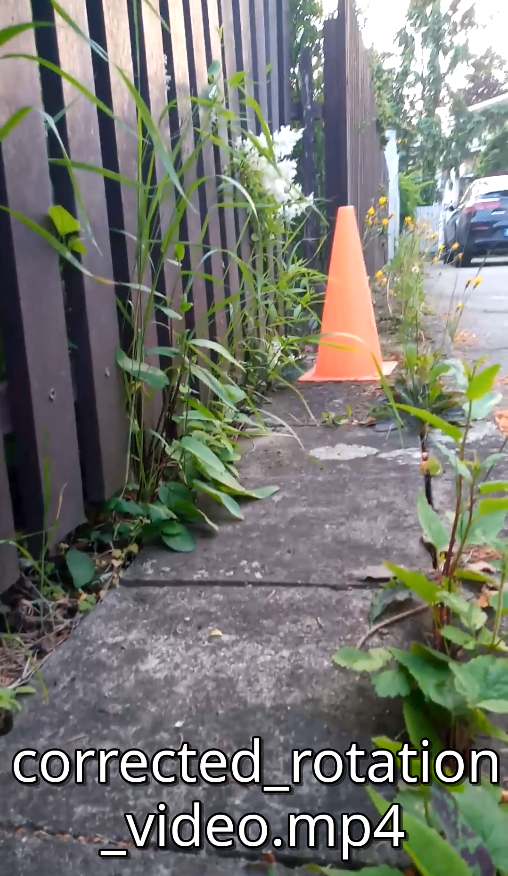
Now, you can continue your blasphemous vertical video ways.
Conclusion
Probably, a marketing guy will tear his clothes for my comments on vertical videos. Video orientation zealotry aside, let’s use the right tool for the right task. If you need to have this vertical videos and for some reason when you copied them to your PC they got rotated, you can rotate them back. Next time, we can discuss on how to avoid the problem in the first place, or how to create landscape videos out of portrait ones, and viceversa. Until, then.
Cheers!